Jira
DSS can read tickets, organizations, issues, sprints, and backlogs from Jira Core, Jira Software, and Jira Service Desk.
Note
These capabilities are provided by the “Jira” plugin, which you need to install. Please see Installing plugins.
Support tier: Not supported
How to set up
Go to your Jira token creation page.
Click Create API token.
Name your token and make a copy of the created token.
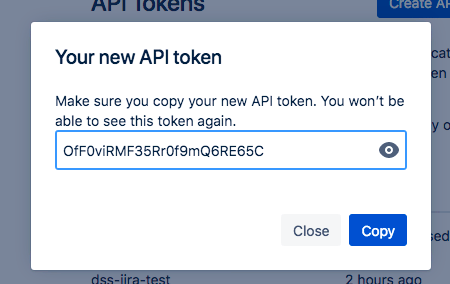
In Dataiku, go to App > Plugins > Installed > Jira > Settings > Jira API token
Add a preset, name it and fill in the details.
Subdomain is the first element of your Jira URL, usually your company name.
Username is the email address you are using to connect to your Jira account.
The API token is the code copied from step 1.
How to use
Go to the Flow.
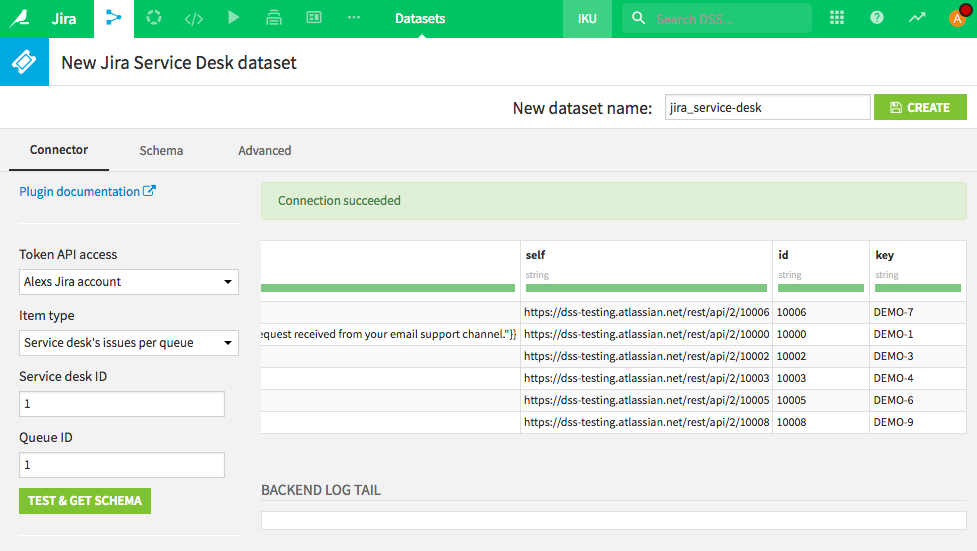
Select Jira in the plugin section of the dataset menu.
Choose the Jira service you want to access (Core / Software / Service Desk).
Pick the preset you previously configured.
Choose the request type and fill in the missing details where necessary.
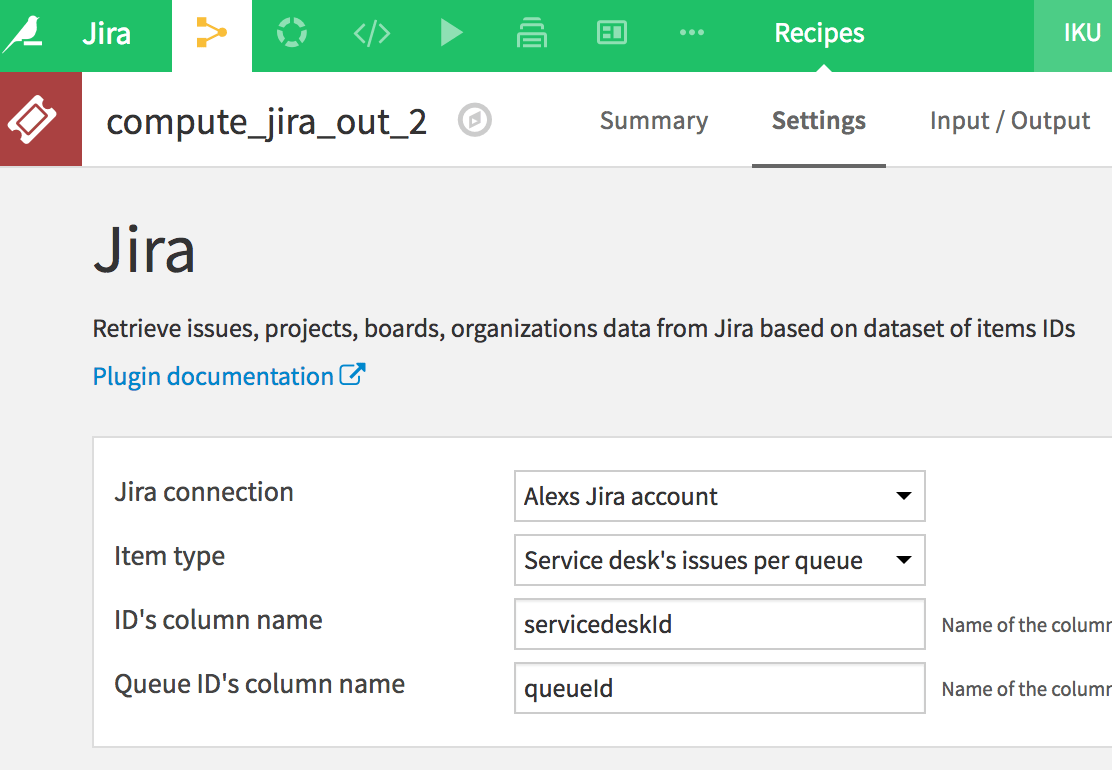
In some cases it can be more efficient to pass as a parameter the list of ids that need to be processed. In this case, use the recipe:
In the Flow, select Jira in the recipe menu
As input, use a dataset containing the list of IDs to retrieve. Note the title(s) of the column(s) containing the ID list
Run the recipe