
Linkedin marketing
You can retrieve information and metrics about LinkedIn campaigns using the LinkedIn Marketing Developper platform. This capability is provided by the “LinkedIn Marketing” plugin, which you need to install. Please see Installing plugins.
How to set up
Create a LinkedIn app
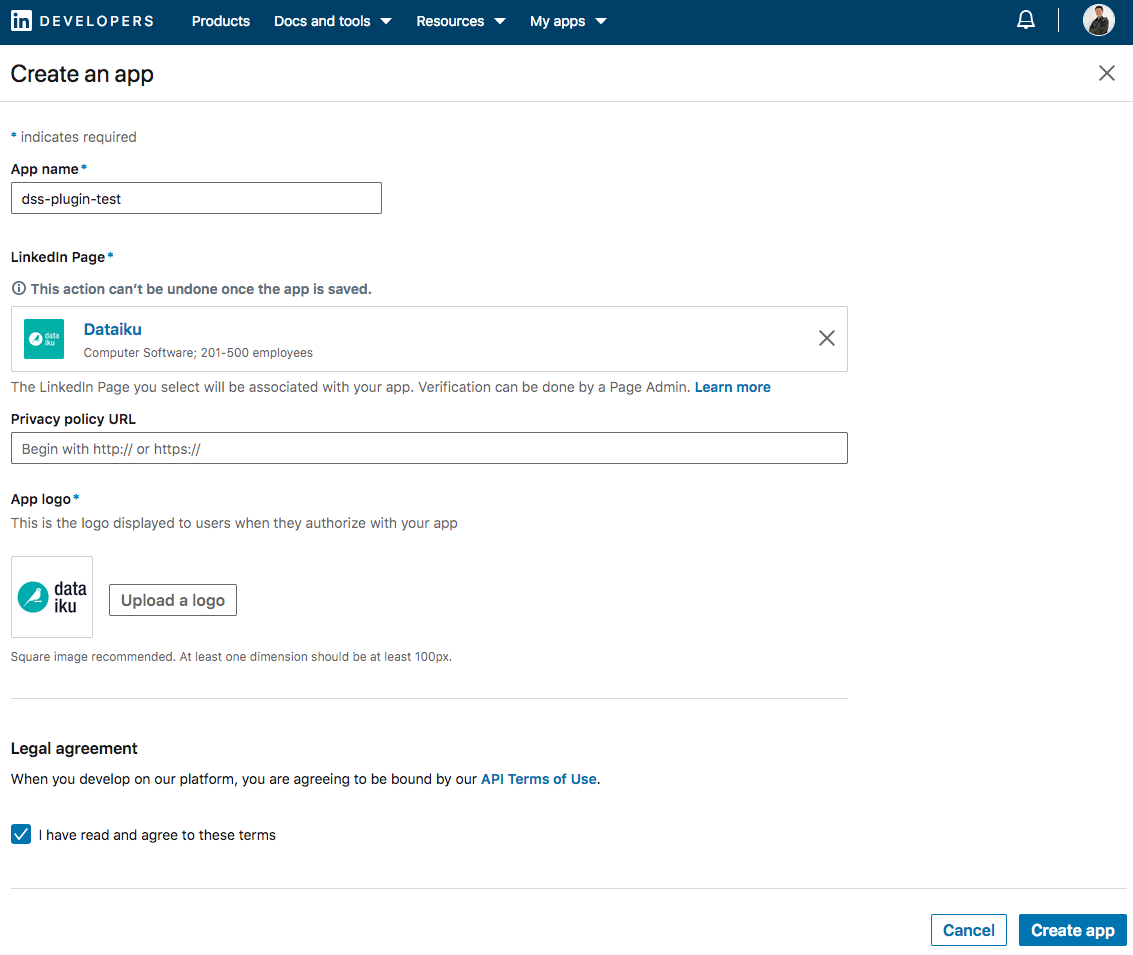
First, go to LinkedIn developper’s app creation page. There, select your company, upload a logo, agree to the terms and save.
In the Auth tab, make note of the app’s client ID and client secret.
Add the callback URL. This URL has to follow this model:
https://{your instance domain:port number}/dip/api/oauth2-callbackIn the Products tab, select the Marketing Developer Platform. This authorization can take more than a day to be granted. Once it is, you should see
r_adsandr_ads_reportingappear in the list of available scopes.
Retrieve an access token
Follow the steps described in this Authorization Code Flow to create and retrieve an access token.
Create a preset
Create and name a preset in Dataiku App > Plugins > Installed > LinkedIn Marketing > Settings > Access token > +Add preset. Paste the access token retrieved from step 2 and save the preset
How to use
From the LinkedIn Campaign Manager accounts page, choose the account(s) ID(s) for which you wish to retrieve data.
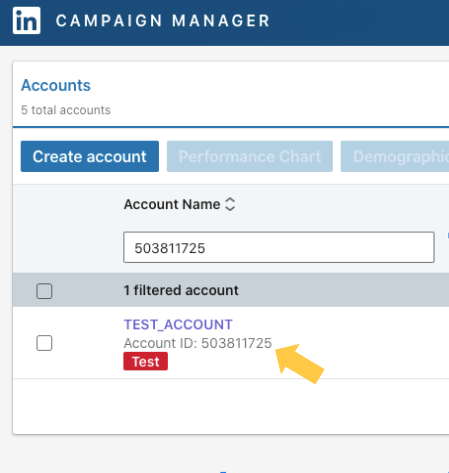
In you Dataiku project’s Flow, add a LinkedIn Marketing recipe. In this recipe, paste the account ID retrieved in point 1. Several accounts can be selected at once by separating the IDs with commas.
Several datasets are created by the plugin. To retrieve all of them, the account should contain at least one campaign and one creative. The datasets are :
Campaign groups output: Categories of campaigns. In fact, campaigns are often sorted by country or by topics (France/ Partners..). Read more about campaign groups.
Campaigns output: Returns the names of the campaigns, their targeting, budget… Read more about campaigns.
Creatives output: Returns information about the existing creatives such as their status (active, paused..), their types.. Read more about creatives.
Campaigns’ metrics: daily metrics (impressions, conversions, cost) at a campaign level. Read more about campaign metrics.
Creatives’ metrics: daily metrics (impressions, conversions, cost) at a creative level. Read more about creative metrics.