
GPU support
Selection of GPU
Even if training is possible on CPUs, we recommend that you use GPUs to train your model, as it will significantly reduce the training time. If the DSS instance has access to GPU(s), locally or on your infrastructure (via containers) you can choose to use them to train the model when clicking on “Train”.
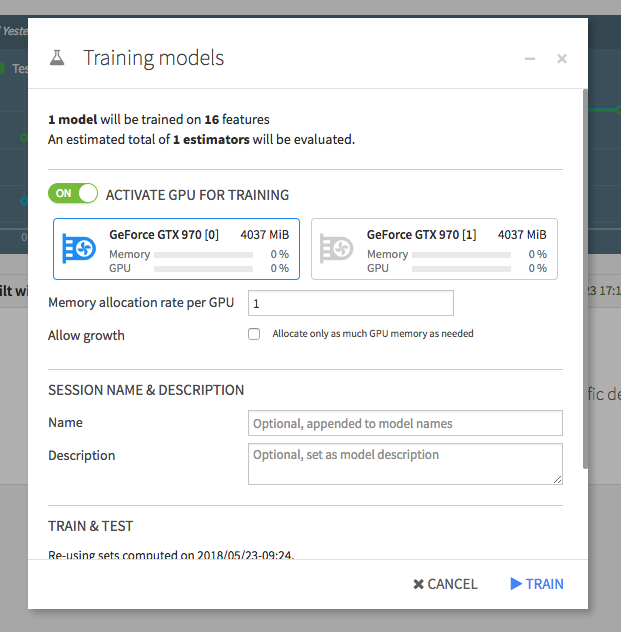
When you deploy a model to the flow you can use the training recipe, to update the preferred infrastructure for retraining. You can also choose to score with a GPU using the scoring recipe.
If a model trained on a GPU is deployed as a service endpoint on an API node, it is recommended, but not mandatory, that the endpoint also has access to a GPU. GPU resources will automatically be used if available.
Using multi-GPU training
If multiple GPUs are available, and you choose to use more that one during training, one model will be trained by GPU, each GPU receiving batch_size images to compute the gradient across all models. Then, it will gather the results to update the model and send the new weights to each GPU, and so on.
See Pytorch DistributedDataParallel module documentation for more details.
Requirements
To train or score using GPU(s), DSS needs:
An NVIDIA GPU with compute capability level 7.5 or higher
An NVIDIA driver version compatible with CUDA 13
The CUDA 13 toolkit installed. Installing only the NVIDIA driver is not sufficient.
Python 3.10 through 3.12