Agent Management license
When renewing the license of an existing Dataiku Agent Management installation, Dataiku provides you with a new file. There are a few ways to update the license with the new file:
Copy your new license file into DATA_DIR/config/license.json (needs restart of Agent Management)
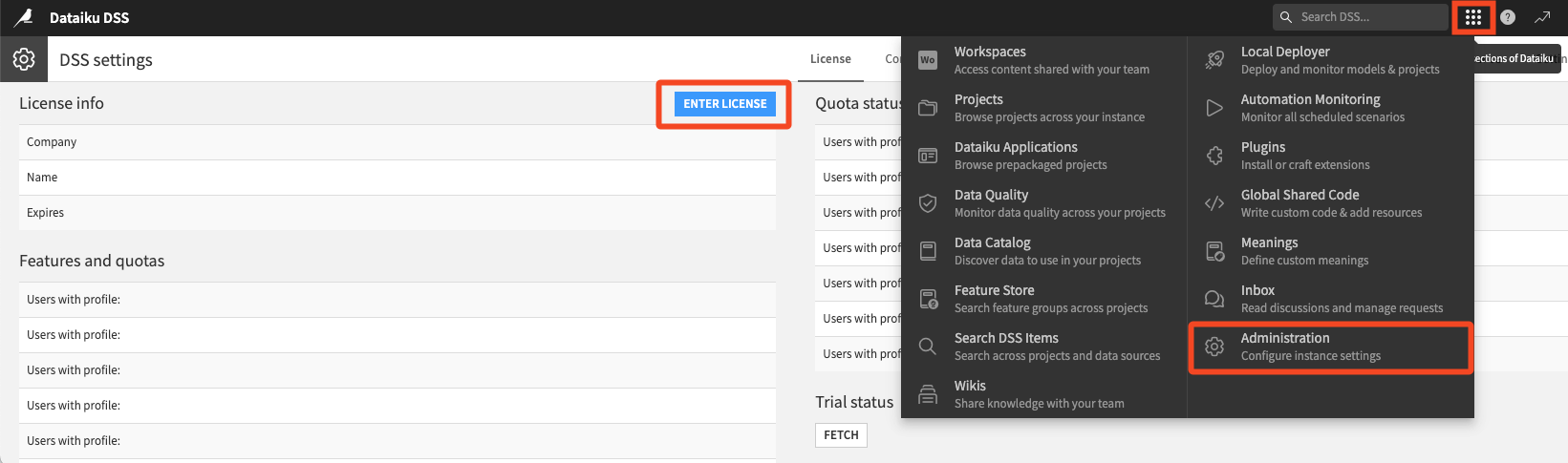
Log into Dataiku Agent Management, click the “Administration” gear, then click “Enter license” and enter the contents of the license file.